For many days I have been trying to capture my personal expenditure in a gsheet in an easy and funway. I ended up on this which i am using for my own use.
Go to google>type google form.You will end up in following site https://www.google.com/forms/about/
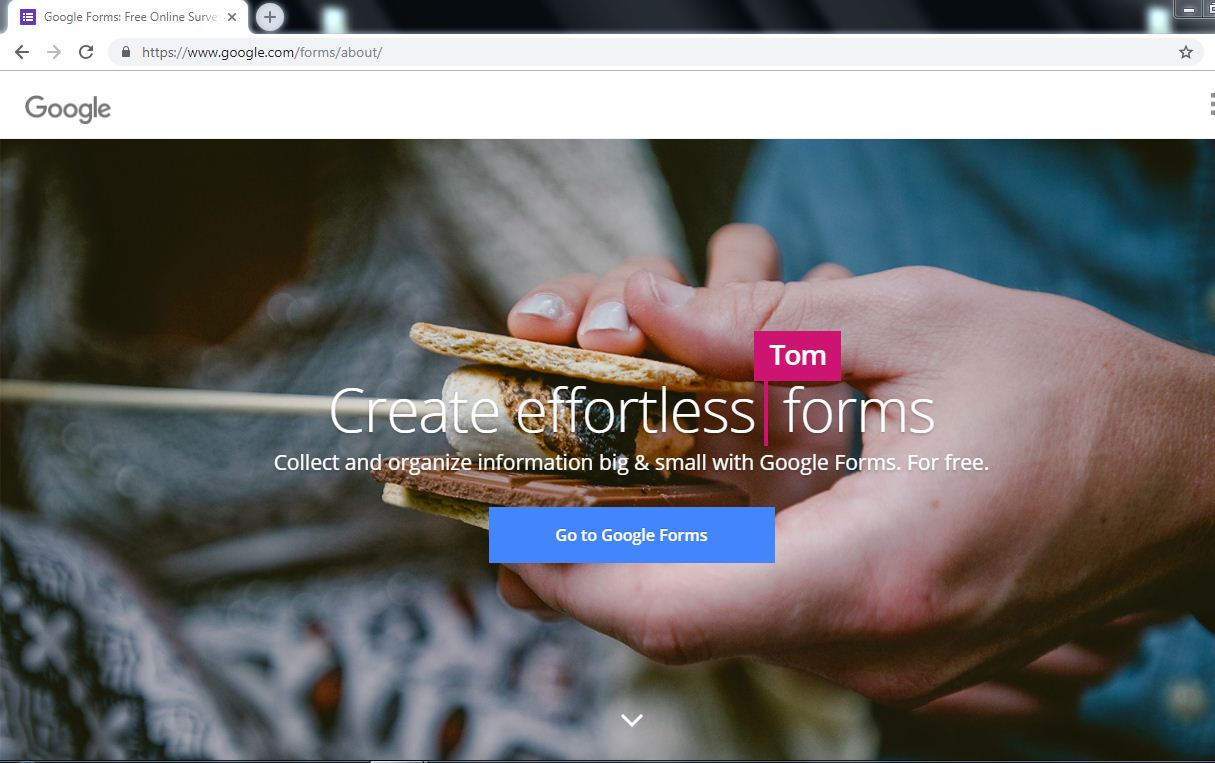
Select Blank form
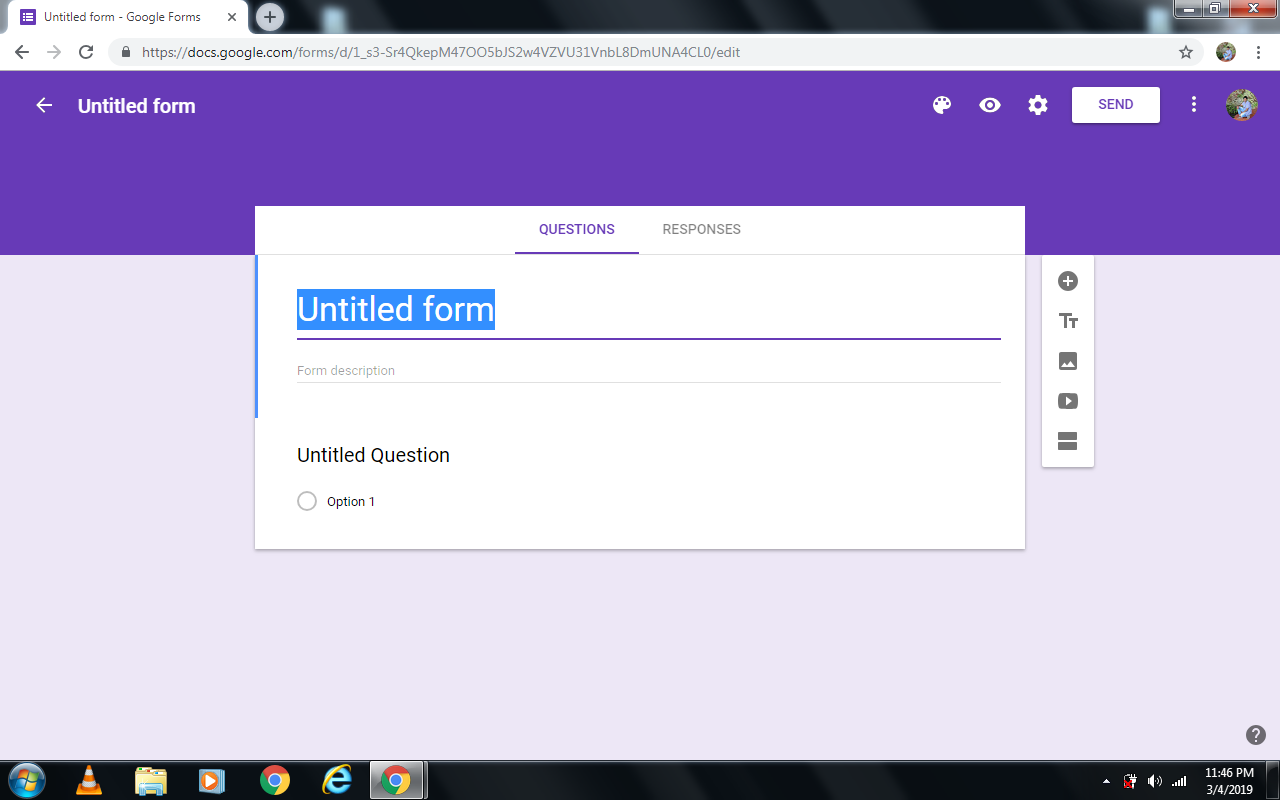
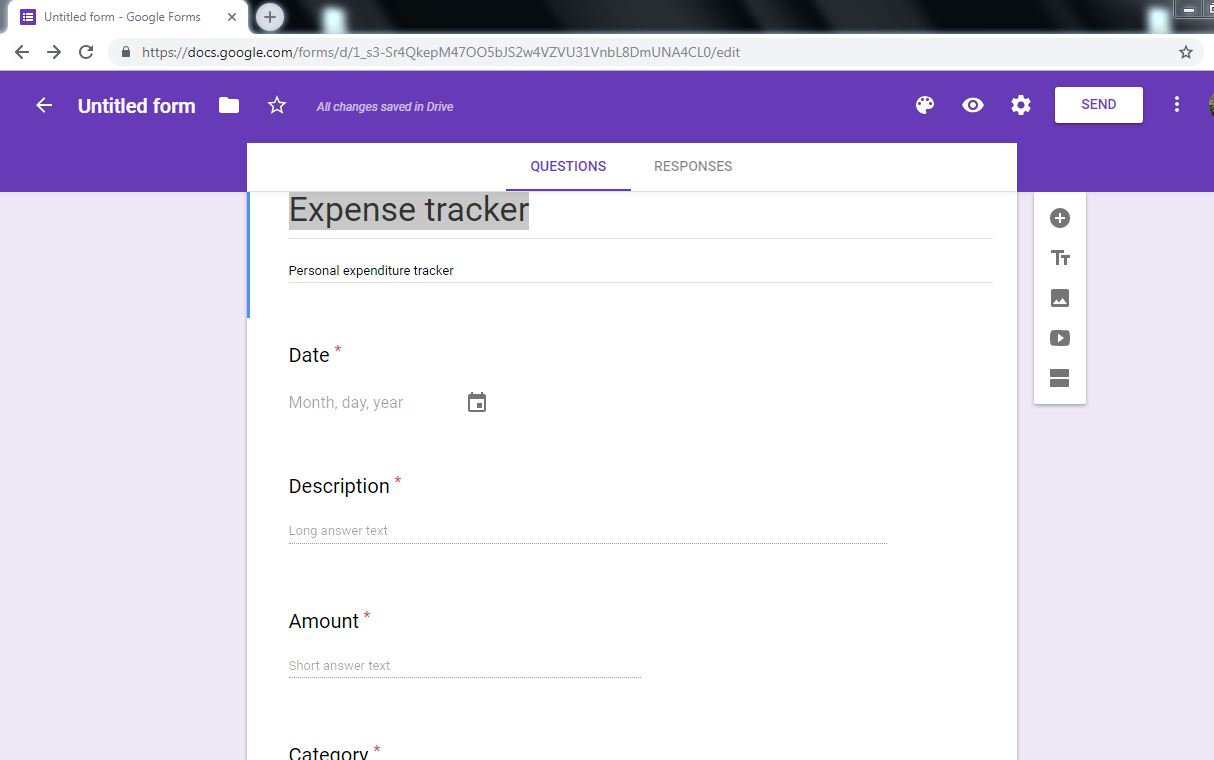
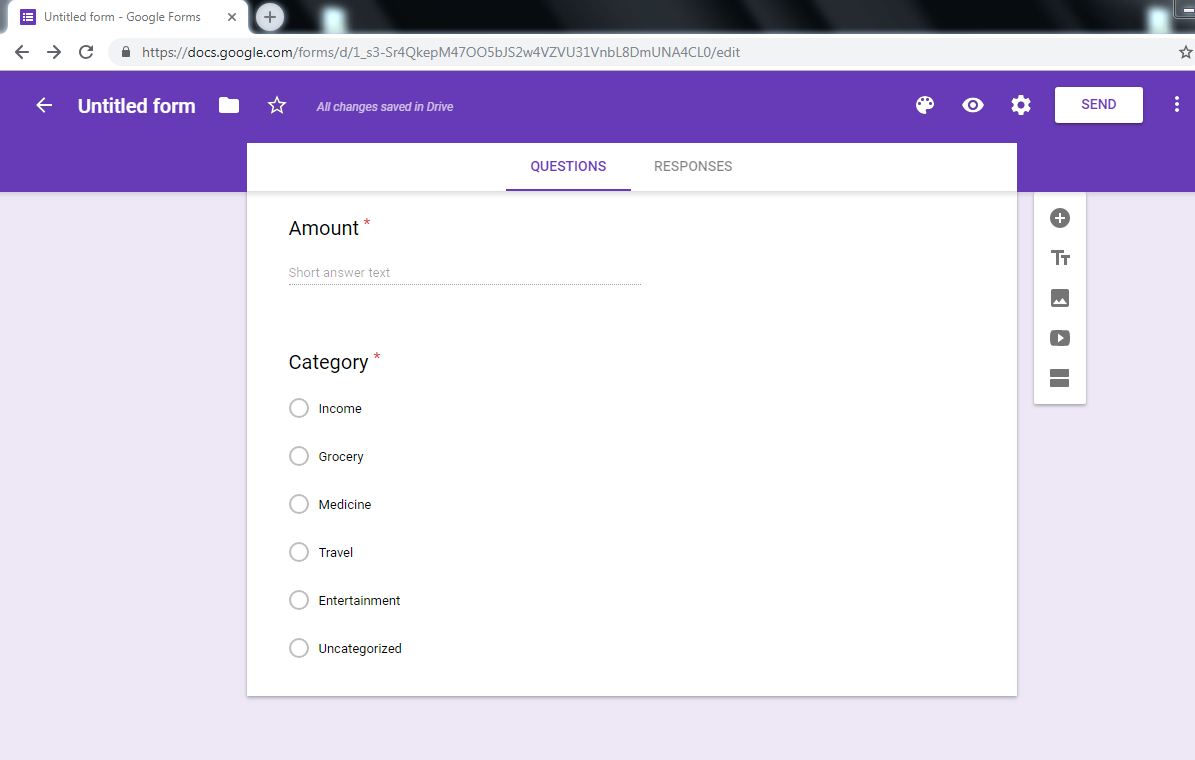
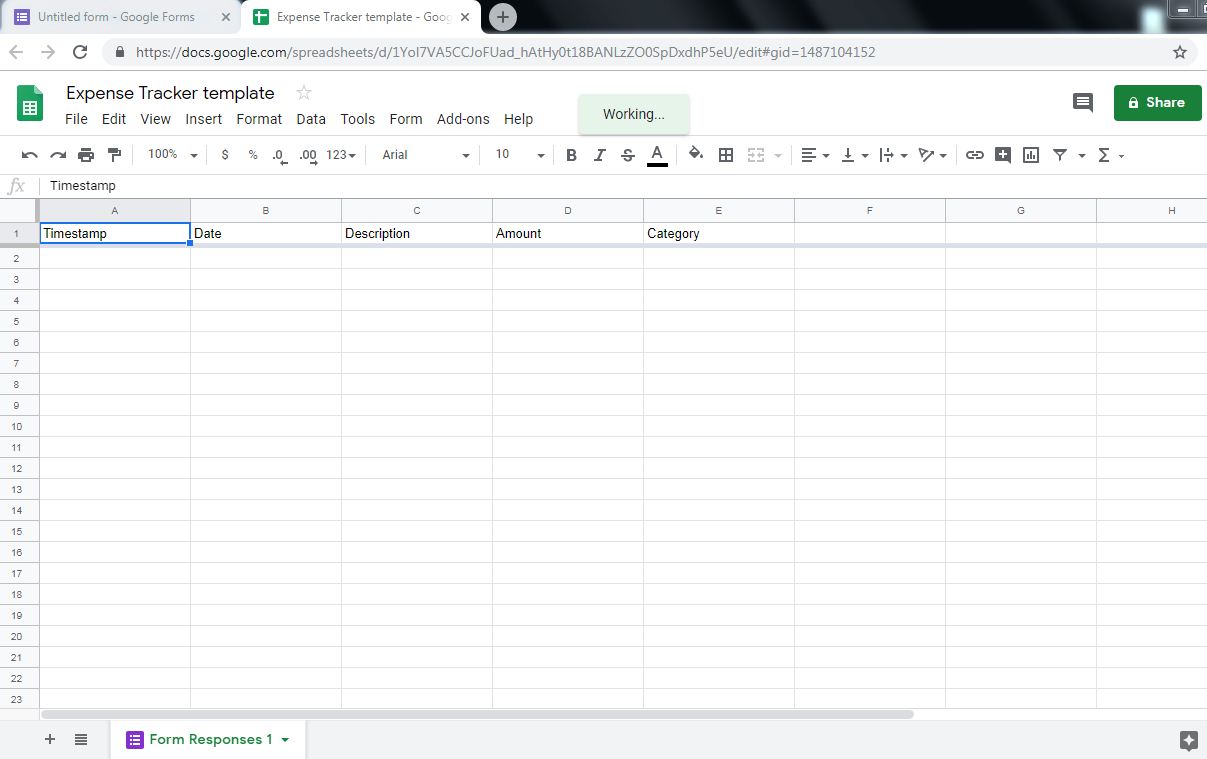
Type a title for your form. Give a brief description about your form.Start creating your form with the template you want. Here i have created a template with columns ( Date, Description, amount and category) which captures what i want in my expense tracker.One can customize the columns the way one wants. Start with simple template and later build on it. Now your form is ready for filling.
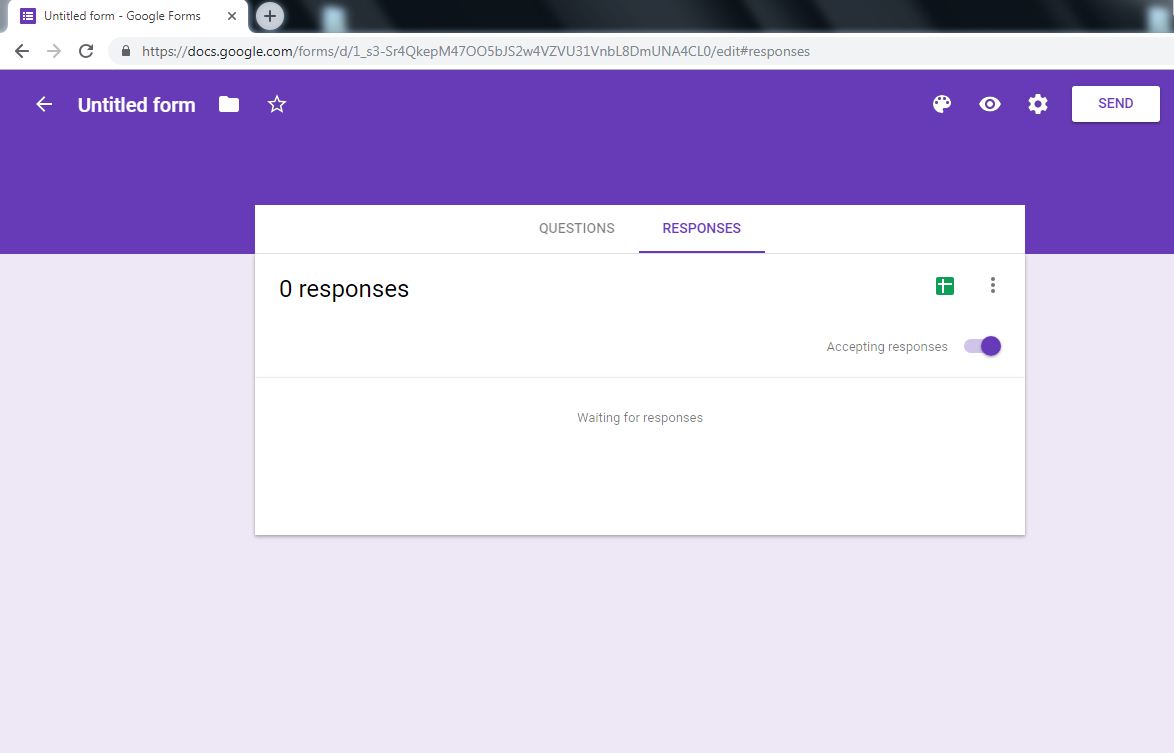
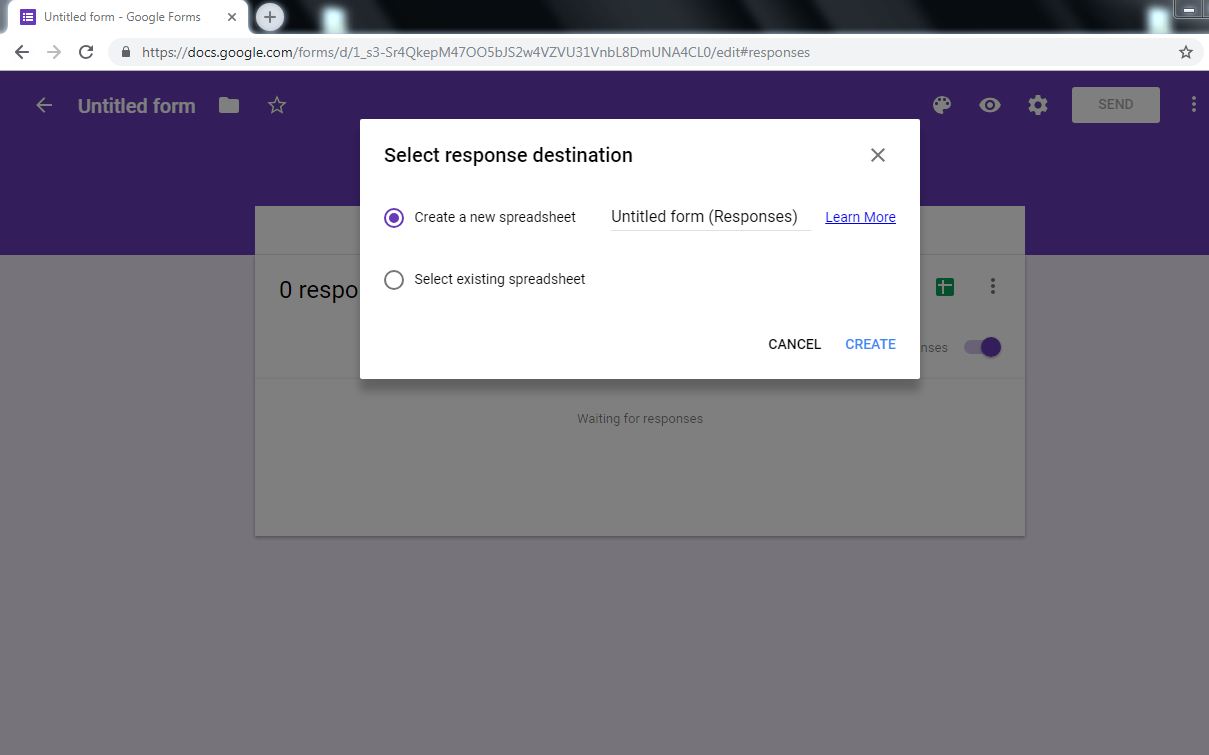
Now you need a linked gsheet to collect all your data from forms. Clink on responses and select gsheet icon. Create a new gsheet with a title”expense tracker”
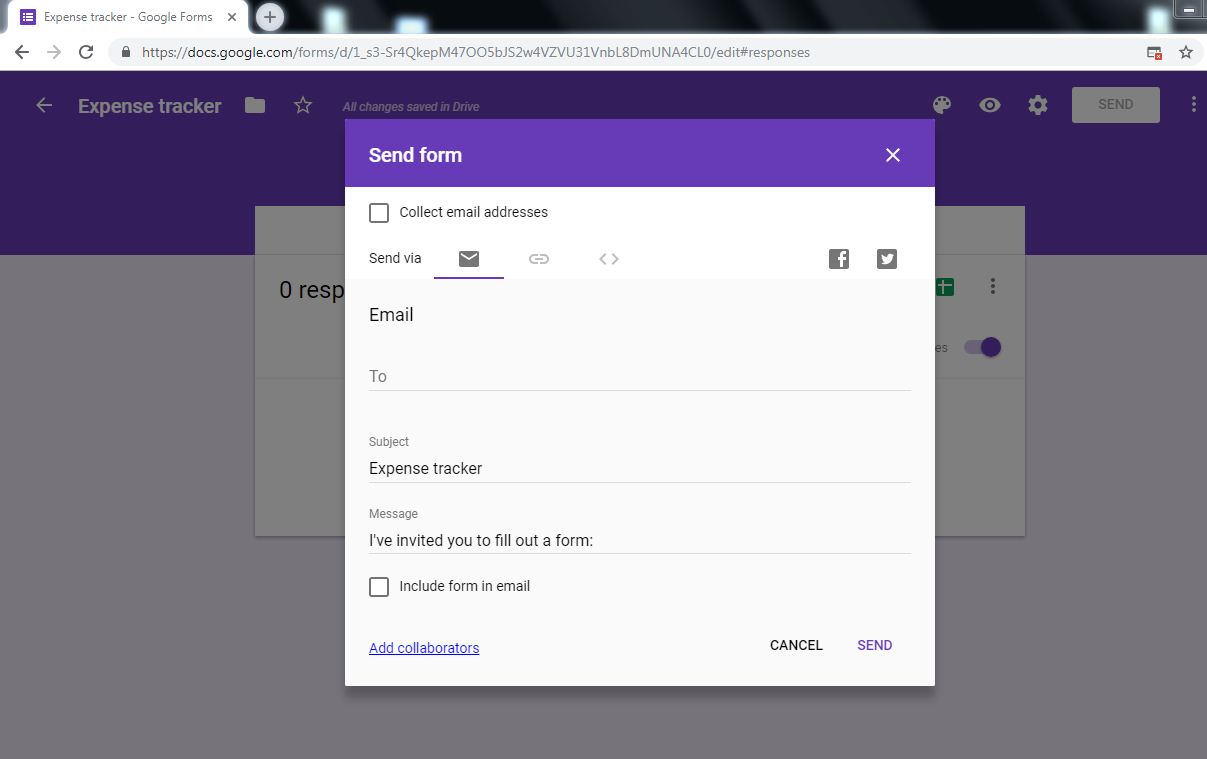
Send the form to your email id and open the form in a browser. Now select the link for your form from browser and add it as a desktop shortcut or add an icon to your mobile home screen

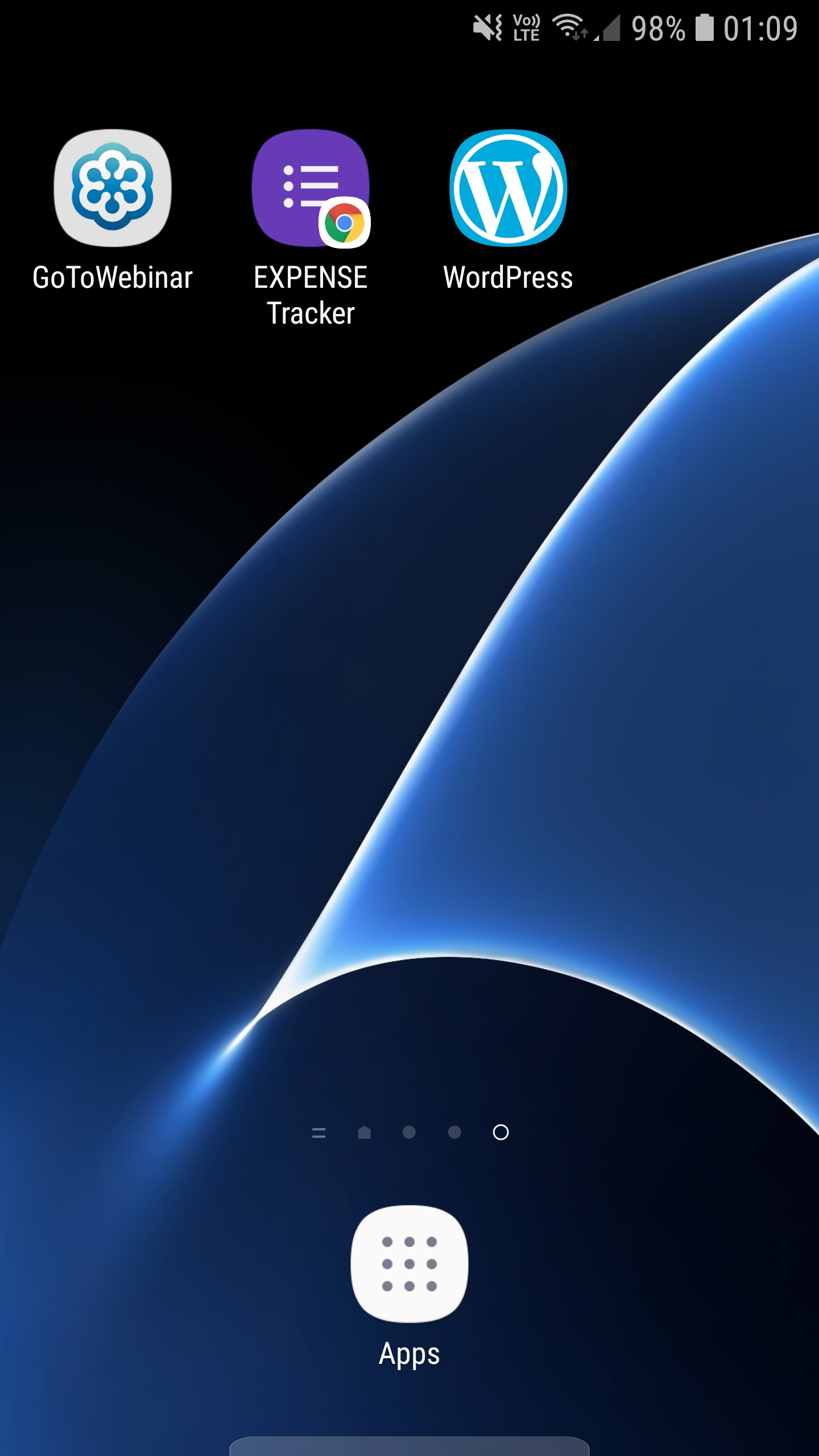
Now your form is ready as an app from desktop or mobile home screen.
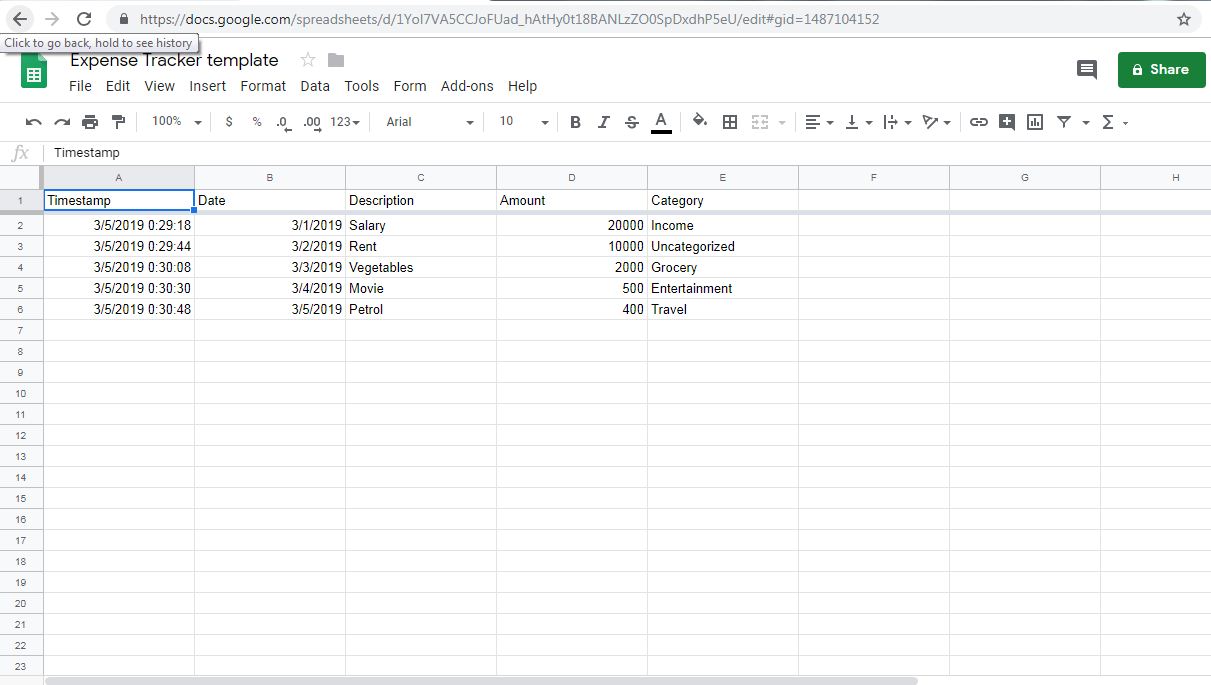
This is how the filled form looks like
 freedomfromfinance